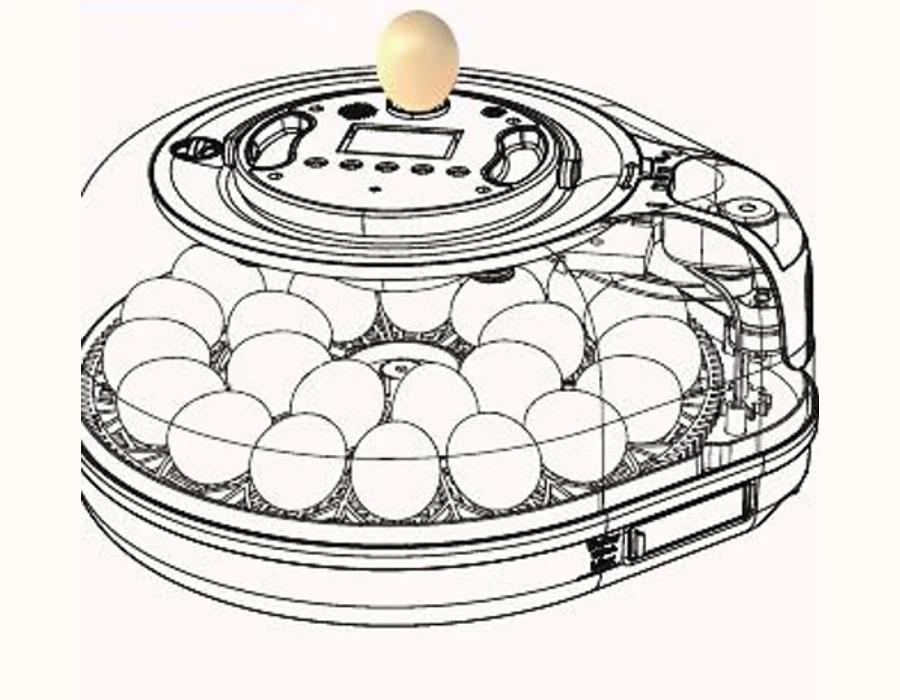
Guide 02 · Controls & Settings
Know what the display and controls mean.
Read displayed values as device information. A default or adjustable range is not a species recommendation.
01
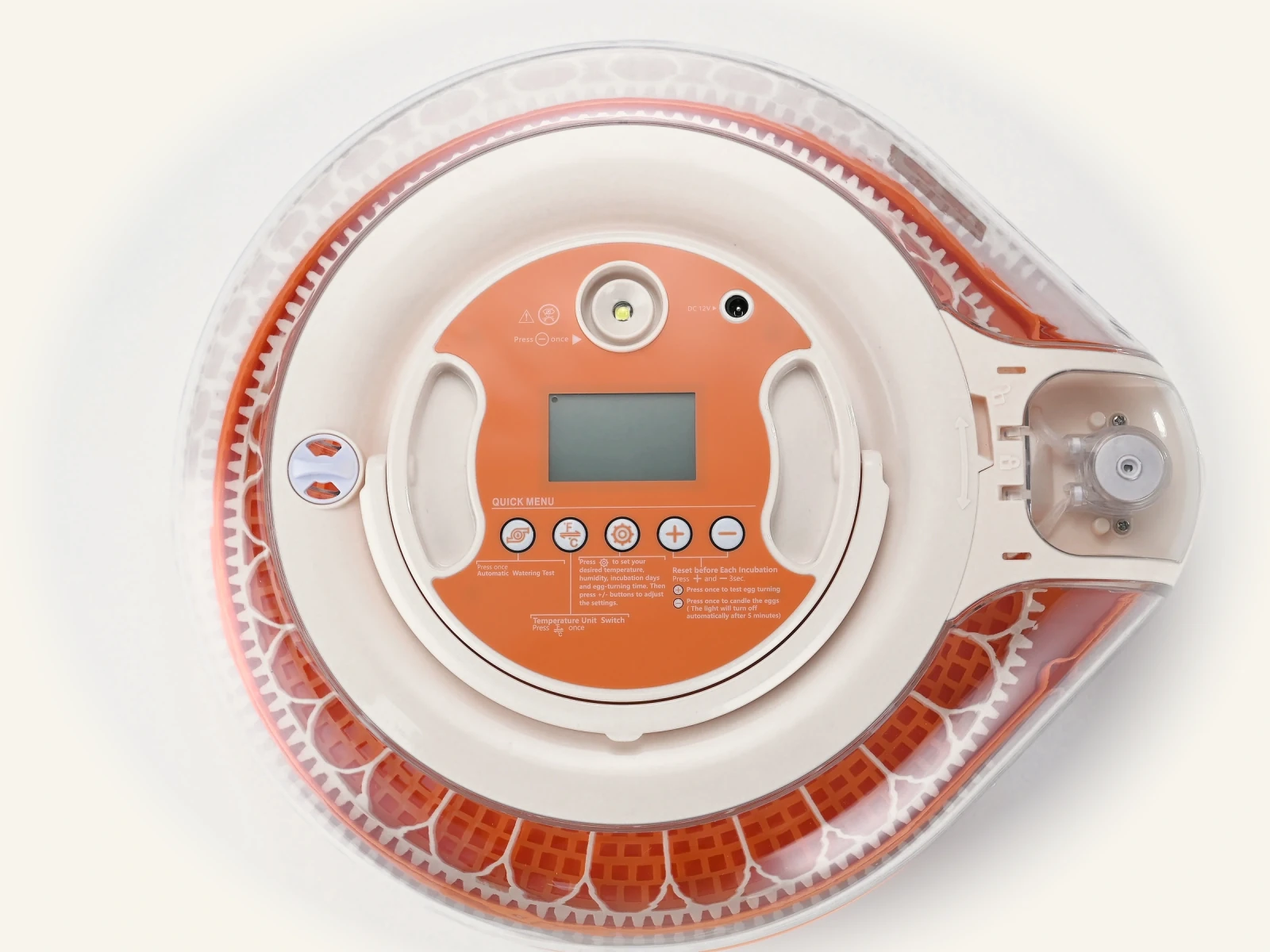
English user guideDisplay fields
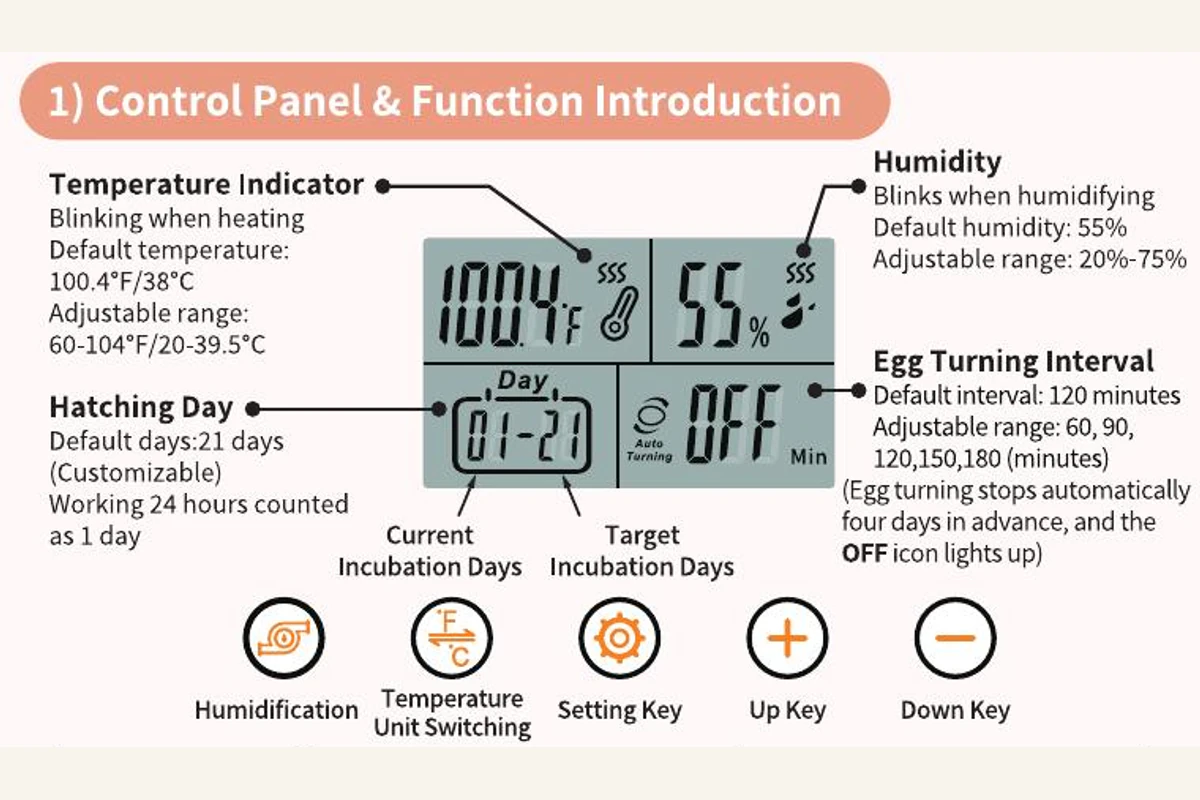
The display identifies temperature, humidity, current incubation day, target incubation days, automatic turning, and turning interval.
Guidance source: English user guide
02
Device defaultDevice defaults
The English user guide shows defaults of 38°C (100.4°F), 55% humidity, 21 target days, and a 120-minute turning interval. Treat these only as device defaults.
Guidance source: Device default
03
Adjustable rangeAdjustable ranges
The guide lists temperature from 20–39.5°C (60–104°F), humidity from 20–75%, and turning intervals of 60, 90, 120, 150, or 180 minutes.
Guidance source: Adjustable range
04
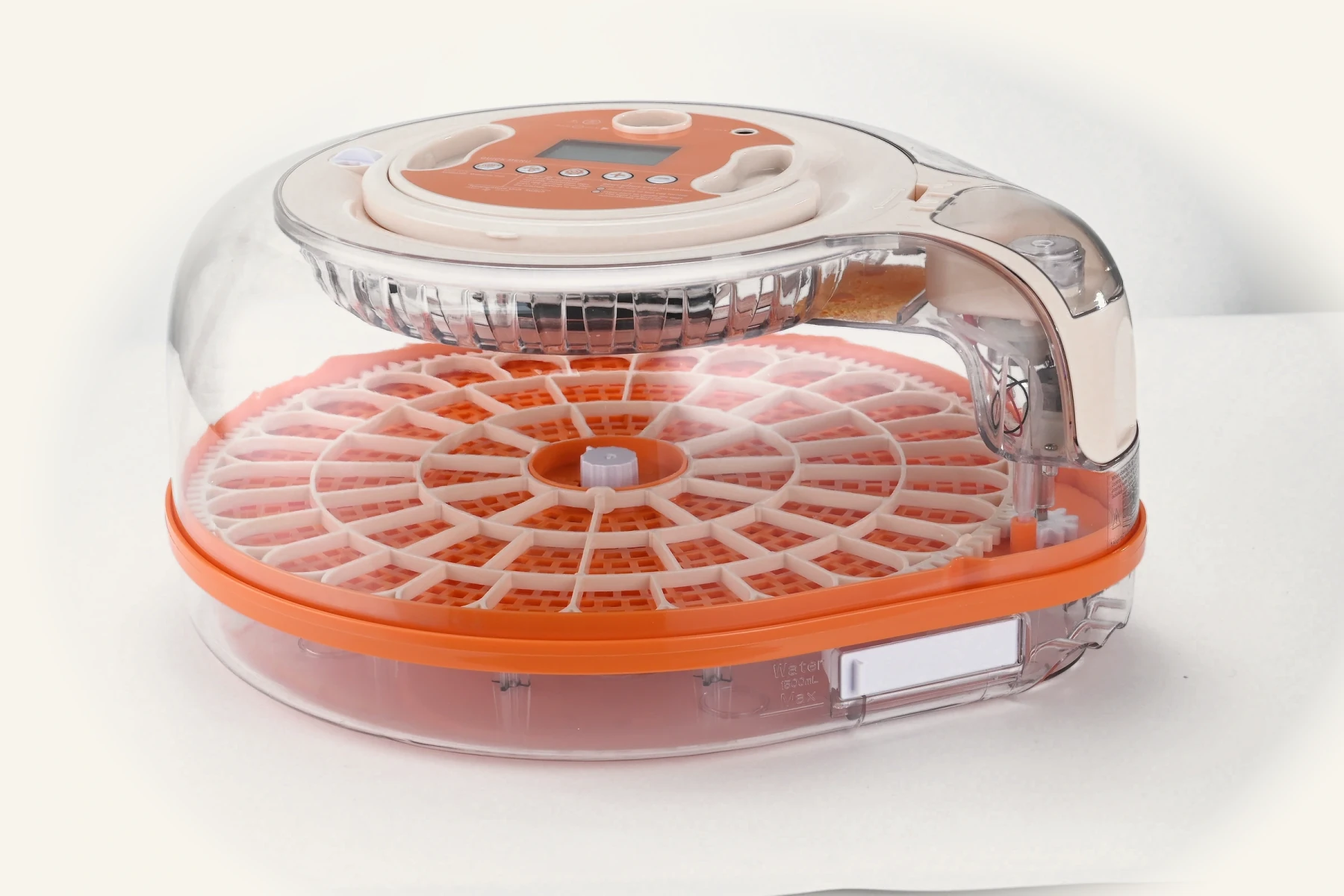
English user guideTests and water handling
Use the documented water-refill, egg-turning, and candling-light tests. Add water through the external filling path and follow the manual’s humidity-control instructions.
Guidance source: English user guide